How to Choose the Right IPTV Plan: Screens, Speed and Length Explained
A practical walkthrough for choosing an IPTV subscription: counting the screens you really need, checking your internet speed, comparing 3, 6 and 12-month plans and using a free trial well.
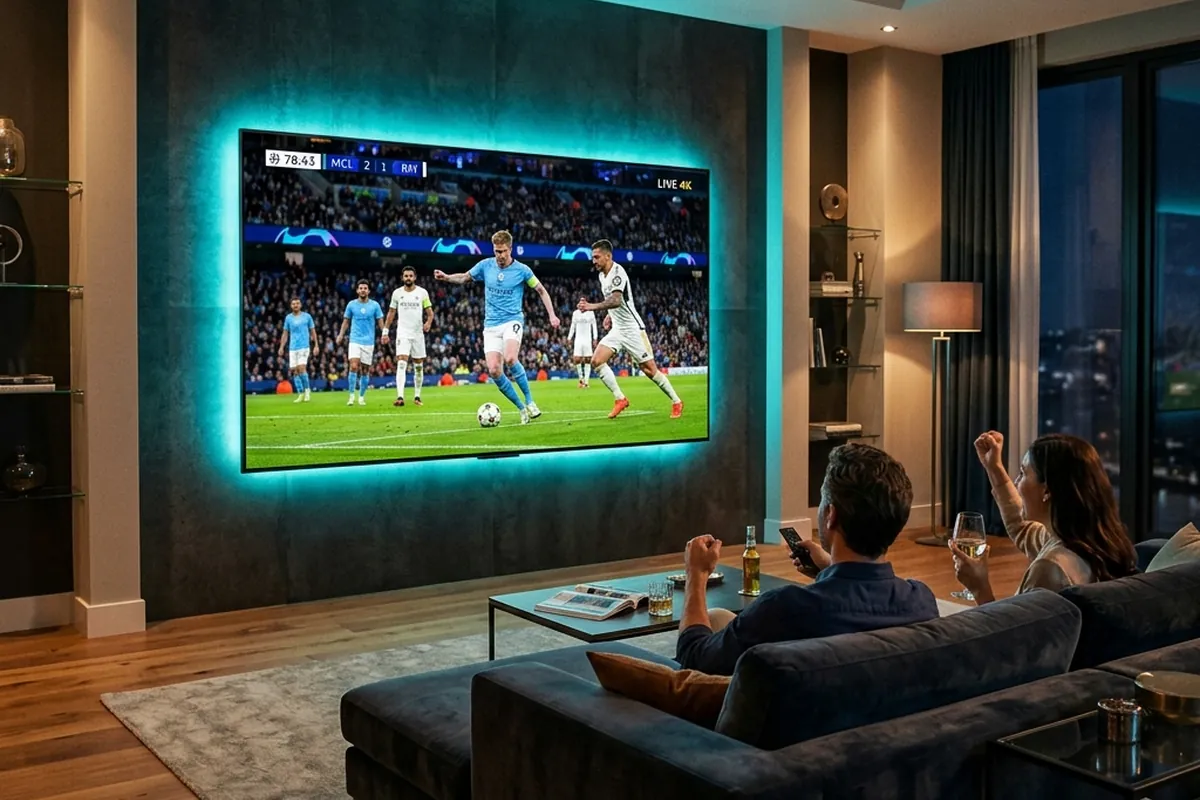
Most people choose an IPTV plan in about thirty seconds: they look at the cheapest price, click, and hope it fits. Sometimes that works. More often, a few weeks later, someone in the house is staring at a frozen screen because two people tried to watch at once on a one-screen plan, or the subscription runs out in the middle of the playoffs because the shortest plan seemed like the safer bet.
Picking the right plan is not complicated, but it does involve a handful of questions that are easy to skip. How many screens really play at the same time in your home? Which devices will you use? Is your internet up to the job? How long do you want to commit for, and what happens if something goes wrong? This guide walks through each of those questions in order, using the way BexyTV plans are built as a worked example, so that by the end you know exactly which plan to choose and why.
Start with how your household actually watches
Before looking at any price, spend five minutes thinking about a normal week of viewing in your home. Not the ideal week, not the week of a big final, but an ordinary Tuesday evening and an ordinary Sunday afternoon.
Count the screens, not the people
A plan's most important number is how many screens can stream at the same moment. People often confuse this with how many people live in the house, or how many devices they own. Neither is the right measure.
A household of five might only ever have one TV on at a time, because everyone watches together in the living room. A couple living alone might regularly need two screens, because one watches sport on the TV while the other streams a series on a tablet in bed. What matters is overlap: the moments when two or more screens are playing at once.
A simple way to work it out is to picture your busiest viewing hour of the week. Who is watching what, and on which device? If the answer is "one TV, everyone together", one screen is enough. If it is "the big TV plus a tablet", you need two. If it is "the big TV, a bedroom TV and a phone", you need three.
Installed is not the same as streaming
You can install your IPTV player on as many devices as you like: the living-room Fire TV Stick, a bedroom Smart TV, two phones and a laptop. The screen count of your plan only limits how many of those can play a stream at the same time. That means a one-screen plan can live on five devices, as long as only one of them is watching at any moment.
This is good news for flexibility. You can set up every device in the house once, then simply use whichever is most convenient. Just remember that if a second device starts playing while the first is still streaming, one of them will stop.
Watch out for the forgotten screen
The most common cause of "my stream keeps stopping" is not a technical fault. It is a second device that someone forgot to close. A phone left playing in a bag, a bedroom TV that went to standby with the player still open, a laptop with a channel running in a background tab. Each of these can quietly use one of your screens.
If you choose a one-screen plan, get into the habit of closing the player properly when you finish. If that is unrealistic for your household, it is a sign that a two-screen plan will save you a lot of frustration.
Understand what a plan includes
Once you know how many screens you need, look at what you get for the money. With most IPTV services the content is the same on every plan; only the length and the number of screens change. That is the case with BexyTV.
The same line-up on every plan
Every BexyTV plan includes the full channel line-up of more than 50,000 live channels, the on-demand library of over 200,000 movies and series, streams in 4K Ultra HD and Full HD, the built-in TV guide, and round-the-clock support on WhatsApp. There is no "basic" tier that hides sport or films behind an upgrade.
This makes the decision simpler. You are not choosing between packages of channels; you are only choosing how long to subscribe and how many screens to use at once.
Login details and player apps
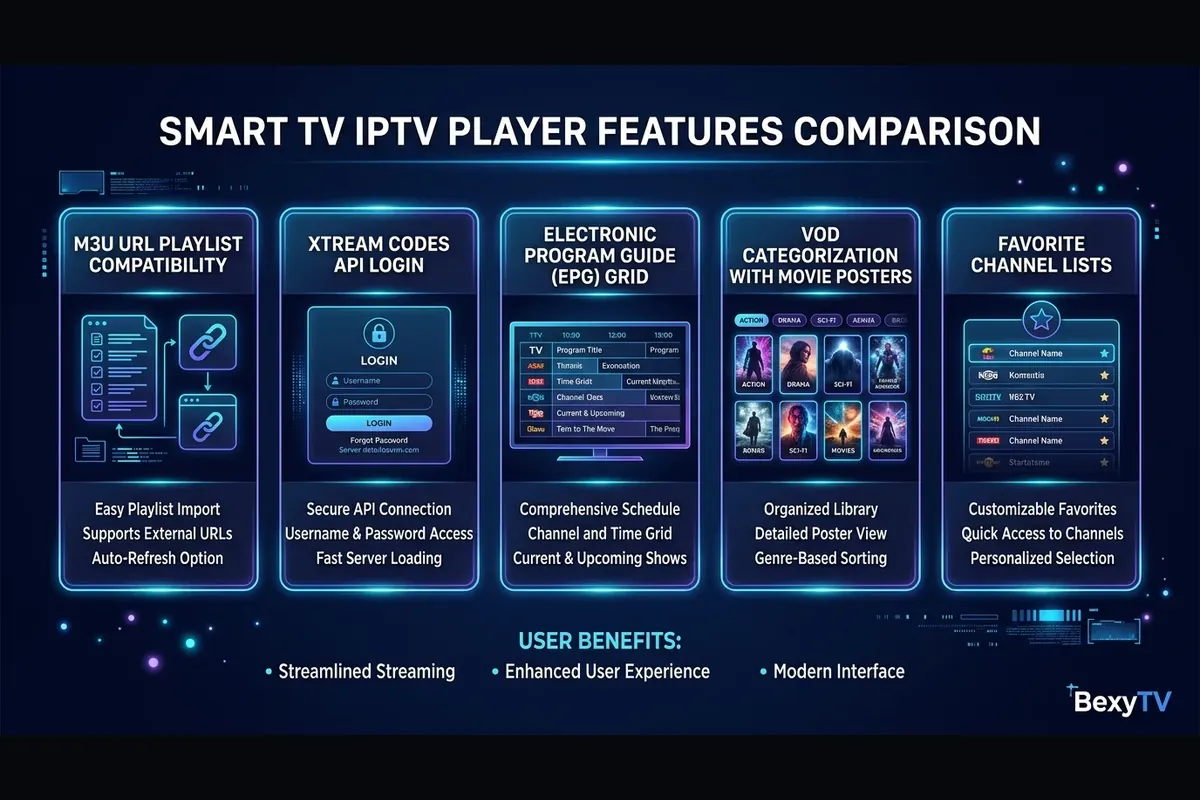
When your plan is active, you receive login details to use in an IPTV player app. These usually come as an Xtream Codes login (a server address, username and password) or as an M3U playlist link. MAG box owners receive a portal address instead. Our guide to Xtream Codes and M3U explains the difference and which one to use where.
The player app is the software that shows the channels, the guide and the on-demand library. It is made by a third party, not by the IPTV provider, and you choose one that works on your device. Support can recommend a current, reliable player for your exact model.
What a plan does not include
It is worth being clear about what is not part of an IPTV plan. You do not get a set-top box: you use your own TV, streaming stick, phone or computer. You do not get a contract that renews automatically: BexyTV plans are prepaid for a fixed length. And you do not get an internet connection: the service streams over the broadband you already have, which is why the next section matters so much.
Check your internet before you commit
An IPTV plan can only be as good as the connection it streams over. A plan with three screens is no use if your broadband can only comfortably carry one 4K stream.
How much speed each stream needs
As a working rule, plan for about 15 to 20 Mbps for each Full HD stream and 25 to 30 Mbps or more for each 4K stream. These figures include some headroom, because live TV is sensitive to short dips in speed. If you only ever watch in HD on a small screen, you will need less; if you watch 4K sport on a large TV, aim for the higher end.
| Viewing pattern | Suggested download speed |
|---|---|
| One screen, Full HD | 20 Mbps or more |
| One screen, 4K | 30 Mbps or more |
| Two screens, Full HD | 40 Mbps or more |
| Two screens, one 4K and one Full HD | 50 Mbps or more |
| Three screens, mixed HD and 4K | 70 Mbps or more |
Remember that the rest of the house still uses the internet while you watch. Video calls, game downloads, cloud backups and other streaming apps all share the same line. If your home is busy online in the evening, add a generous margin on top of the figures above.
Speed is not the whole story
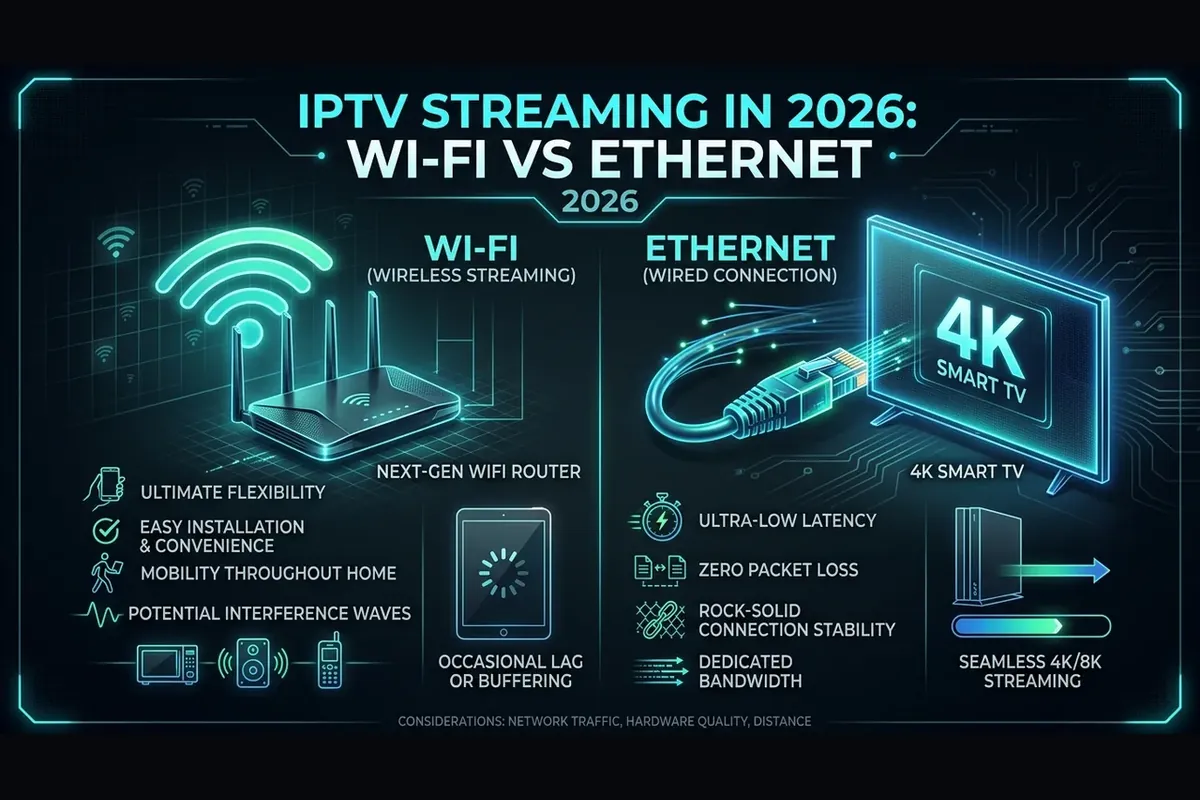
A fast connection that drops out every few minutes will buffer more than a slower connection that stays steady. Stability matters as much as raw speed, especially for live sport. The biggest single improvement most homes can make is connecting the main TV device with an Ethernet cable rather than Wi-Fi. If that is not possible, use the 5 GHz Wi-Fi band and keep the router within sight of the TV.
Our buffering guide goes through every network fix in detail. If you are not sure whether your connection is good enough, the free trial described below is the easiest way to find out.
Test on the device you will actually use
Run a speed test on the device you plan to watch on, at the time of day you usually watch. A phone next to the router at noon tells you very little about a Fire TV Stick behind the television at 9pm. Many streaming sticks and Smart TVs have a network test in their settings, or you can install a speed test app from the device's app store.
Choose a plan length
With screens and connection sorted, the remaining question is how long to subscribe for. BexyTV offers three lengths: 3, 6 and 12 months.
Compare the monthly cost
Longer plans cost less per month. With a single screen, the 3-month plan is $35, the 6-month plan is $49.99 and the 12-month plan is $69.99. Divide each by its length and the difference is clear:
| Plan (1 screen) | Price | Works out per month |
|---|---|---|
| 3 months | $35.00 | about $11.67 |
| 6 months | $49.99 | about $8.33 |
| 12 months | $69.99 | about $5.83 |
The 12-month plan costs half as much per month as the 3-month plan. The 6-month plan sits in the middle, saving around 29% per month compared with three months. The pricing page shows these savings on each plan card so you do not need to calculate them yourself.
When a shorter plan makes sense
A 3-month plan is a sensible choice if you are new to IPTV and want to see how it fits your habits over a season, if you only need TV for a specific period such as a long stay somewhere, or if you would rather spread payments out. You pay a little more per month for that flexibility.
Before choosing a short plan purely because it feels safer, though, consider the free trial. Testing the service for free on your own TV removes most of the risk that a short plan is meant to protect against.
When a longer plan makes sense
If the trial goes well and you know you will keep watching, the 12-month plan is the best value by a wide margin. It also means one less renewal to think about, and no risk of the subscription ending in the middle of a season you care about. That is why it carries the "Recommended" badge on our pricing page.
The 6-month plan is a good compromise for people who are fairly sure but not ready to commit for a full year.
Two and three-screen plans
If your household needs more than one screen at a time, multi-screen plans are usually cheaper than buying separate single-screen subscriptions.
How multi-screen pricing works
A three-screen BexyTV plan costs exactly three times the single-screen price, so you pay the same per screen but manage everything from one login. A two-screen plan is better value still: it costs twice the single-screen price minus 10%. For example, a 12-month two-screen plan is $125.98 instead of $139.98, a saving of $14.
| Plan length | 1 screen | 2 screens | 3 screens |
|---|---|---|---|
| 3 months | $35.00 | $63.00 | $105.00 |
| 6 months | $49.99 | $89.98 | $149.97 |
| 12 months | $69.99 | $125.98 | $209.97 |
One login, several screens
With a multi-screen plan, everyone in the household uses the same login details on their own device. You do not need to keep track of separate accounts, renewal dates or passwords. When the plan renews, every screen renews together.
Can I add screens later?
Usually, yes. If you start with one screen and find you need two, message support with your current plan and they will explain the options for upgrading. It is still worth getting the number right at the start, because changing mid-plan can be more complicated than choosing correctly the first time.
Try before you pay
The single most useful step before choosing any IPTV plan is a trial on your own equipment.
What to check during a free trial
BexyTV offers a free trial on request through WhatsApp. When you have it, use the time deliberately rather than just flicking through channels. Check the following:
- The player installs and signs in on each device you plan to use.
- The channels you care about most are there and play smoothly.
- Live sport looks good at the time of day you usually watch it.
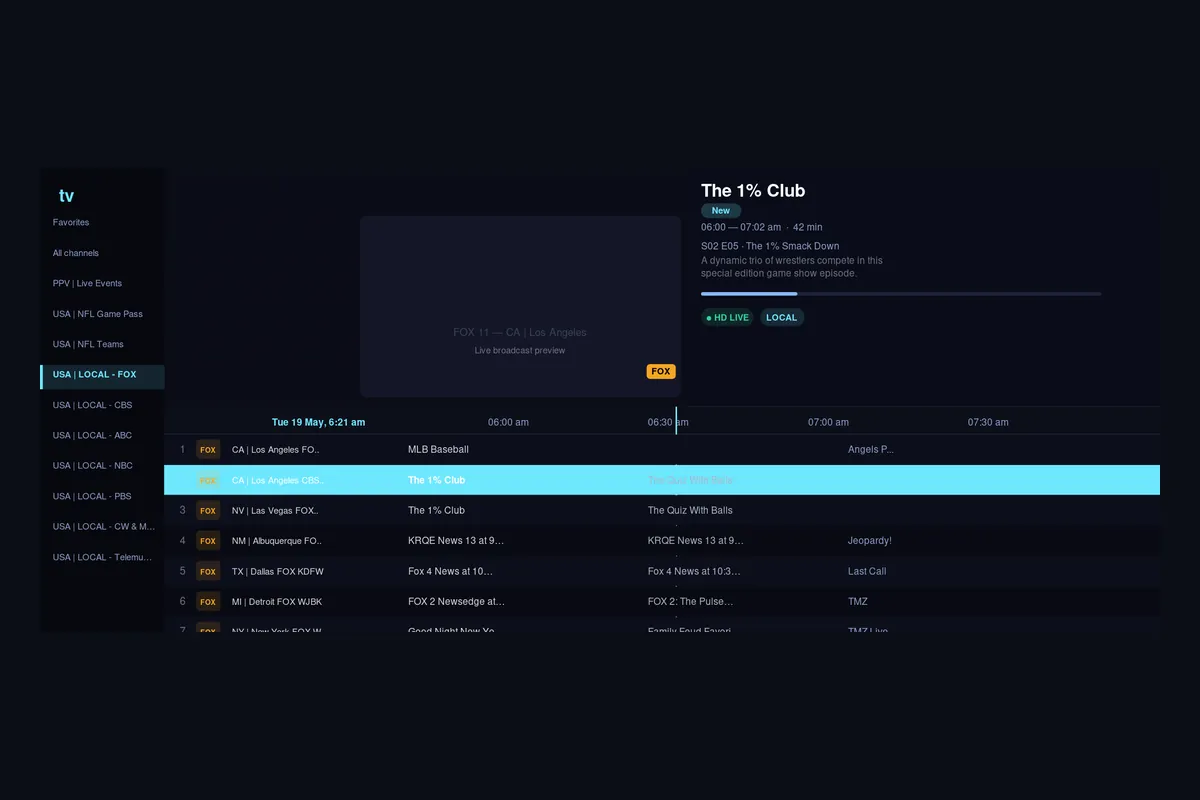
- The TV guide loads and shows the right programmes.
- The on-demand library has the kind of films and series you watch.
- Two devices can play at once, if you are considering a multi-screen plan.
Use it at peak time
Test in the evening, when your home and your neighbourhood are busiest online. A trial that only runs on a quiet weekday morning can make a connection look better than it really is. If something stutters, note the channel, the device and the time, and send those details to support. They can often fix the problem within minutes.
Ask questions while you test
The trial is also a good moment to see how support works. Ask about a channel you are not sure is included, or ask for help choosing a player. How quickly and clearly the team answers is a good indication of what it will be like once you are a customer.
Ordering and payment
When you have chosen your plan, ordering takes a couple of minutes.
How ordering works
On the BexyTV website you can use the order form, which lets you pick the plan length, the number of screens and your main device. When you press send, it opens WhatsApp with your order already written. You send the message, and a team member replies to confirm the price, the payment method and activation.
No card details are entered on the website itself. Payment is arranged directly with BexyTV in the WhatsApp conversation.
Renewal
BexyTV plans do not renew automatically, because no card is stored. Support reminds you before your plan ends, and you renew in the same WhatsApp chat when you are ready. If you would like to change your plan length or number of screens at renewal, that is the moment to do it.
If something goes wrong
If a technical problem stops you watching after activation and support cannot fix it within 5 days of purchase, you can ask for a refund. The refund policy sets out exactly how that works. In practice, most problems are solved quickly once support knows your device and what you are seeing on screen.
Common mistakes to avoid
A few patterns come up again and again when people choose the wrong plan.
- Choosing by price alone. The cheapest plan is only cheap if it fits. A one-screen plan in a two-screen household leads to constant interruptions.
- Ignoring the internet connection. More screens need more bandwidth. Check your speed before choosing a three-screen plan.
- Skipping the trial. A free trial answers most questions about devices, channels and picture quality before you spend anything.
- Forgetting about peak times. If you mostly watch in the evening, test in the evening.
- Leaving players open. On any plan, close the player on devices you are not using so they do not hold on to a screen.
- Not asking. If you are unsure about anything, from a channel to a device, ask support before you order.
A quick decision checklist
If you want the short version, run through these questions in order:
- At your busiest viewing hour, how many screens play at once? That is your screen count.
- Does your internet speed comfortably cover that many streams, with room to spare?
- Is your main TV device on a cable or close to the router on 5 GHz Wi-Fi?
- Have you tried the service on your own devices with a free trial?
- Are you sure you will keep watching for a year? If so, take the 12-month plan. If you are fairly sure, take 6 months. If not, take 3.
Still unsure? Send BexyTV a quick message with who watches, on which devices and roughly how fast your internet is. Support will suggest the plan that fits, and set up a free trial so you can check it first.
Frequently asked questions
Can I use one plan on more than one device?
Yes. Install the player on as many devices as you like. The number that can stream at the same time is set by your plan's screen count.
What happens if I go over my screen limit?
When one more device starts playing than your plan allows, one of the streams will stop. Closing the player on a device you are no longer using frees up the screen again.
Do longer plans include more channels?
No. Every BexyTV plan includes the same channels, on-demand library, picture quality, TV guide and support. Only the length and the number of screens differ.
Is the 12-month plan worth it?
If you know you will keep watching, yes. It costs about half as much per month as the 3-month plan and removes the risk of your subscription ending at an awkward moment.
Can I switch from 1 screen to 2 screens later?
Usually. Contact support with your current plan and they will explain the upgrade options available to you.
What if my internet is not fast enough?
Start with fewer screens or a lower picture quality, connect the main TV with a cable, and read our buffering guide. The free trial is the best way to find out what your connection can handle.
Do I need a special device?
No. BexyTV works on the devices most homes already have: Fire TV Stick, Android TV, Samsung and LG Smart TVs, Apple TV, MAG boxes, phones, tablets and computers.
The right plan is the one that fits your home
Choosing an IPTV plan comes down to three honest answers: how many screens you really use at once, whether your connection can carry them, and how long you want to commit. Get those right and the rest takes care of itself. Start with a free trial on your own TV, look at the numbers on the pricing page, and if anything is unclear, ask. A two-minute conversation now saves a lot of frozen screens later.
Ready to choose? Compare every BexyTV plan side by side, or ask for a free trial first.
See BexyTV plans